proxmox

Proxmox Port: Proxmox Default Port, Web UI Port, and Common Proxmox Ports

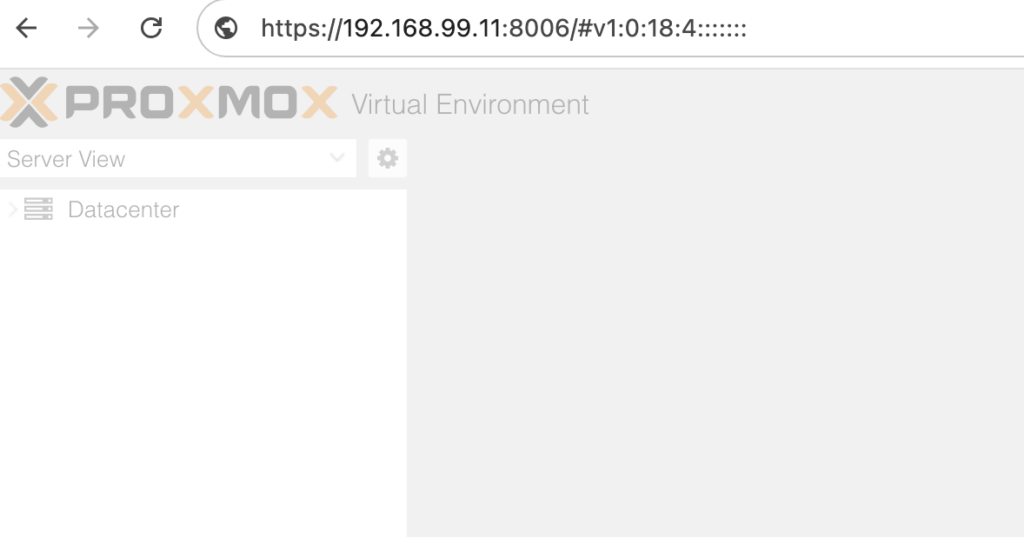
8006 It’s 8006. Proxmox Default Port is 8006 Its 8006.If you are trying to connect to a Proxmox server, one of the first things you need to know is the Proxmox port used by the web interface. The default Proxmox port is 8006. Proxmox VE uses HTTPS for its web-based management interface, so you normally […]

Read article : Proxmox Port: Proxmox Default Port, Web UI Port, and Common Proxmox Ports
proxmox

Proxmox Helper Scripts: Complete Community Scripts Guide (2026)

Proxmox helper scripts turn jobs that might take an afternoon—creating an LXC container, installing an application, setting permissions and configuring a service—into a guided deployment that often takes only a few minutes. That is why Proxmox community scripts have become a favorite toolbox for homelab users, self-hosters and administrators who want repeatable results without rebuilding […]

Read article : Proxmox Helper Scripts: Complete Community Scripts Guide (2026)
proxmox

Easy Guide to create Proxmox Windows Cloud Init image

Proxmox is a free alternative to vmware and it works geat. I have been using proxmox since 2019 and I have installed and used various version of Windows and linux over the years. Its easy to make cloud init image for ubuntu or any other linux os in proxmox and I always found it hard […]

Read article : Easy Guide to create Proxmox Windows Cloud Init image
proxmox

How to Properly Reload Proxmox Services

Proxmox reload services properly (services order is important) How to Properly Reload Proxmox Services Proxmox Virtual Environment (PVE) is a powerful open-source server virtualization platform. Occasionally, you may need to reload its services to apply configuration changes, resolve issues, or refresh the system without rebooting the entire server. However, reloading Proxmox services must be done […]

Read article : How to Properly Reload Proxmox Services